




This is a modal window.
Beginning of dialog window. Escape will cancel and close the window.
End of dialog window.
This is a modal window.
Beginning of dialog window. Escape will cancel and close the window.
End of dialog window.

This is a modal window.
Beginning of dialog window. Escape will cancel and close the window.
End of dialog window.
This is a modal window.
Beginning of dialog window. Escape will cancel and close the window.
End of dialog window.

This is a modal window.
Beginning of dialog window. Escape will cancel and close the window.
End of dialog window.

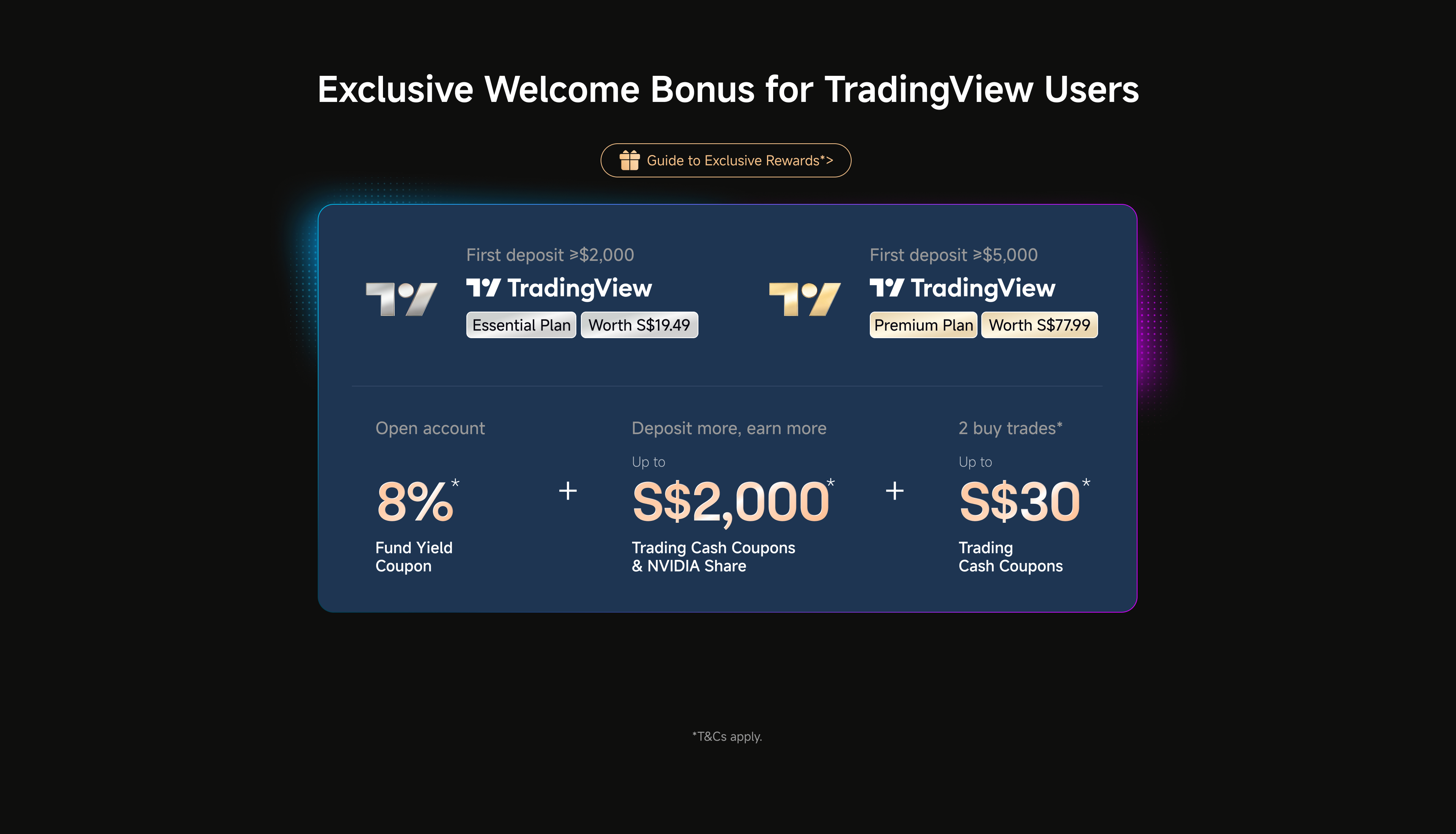
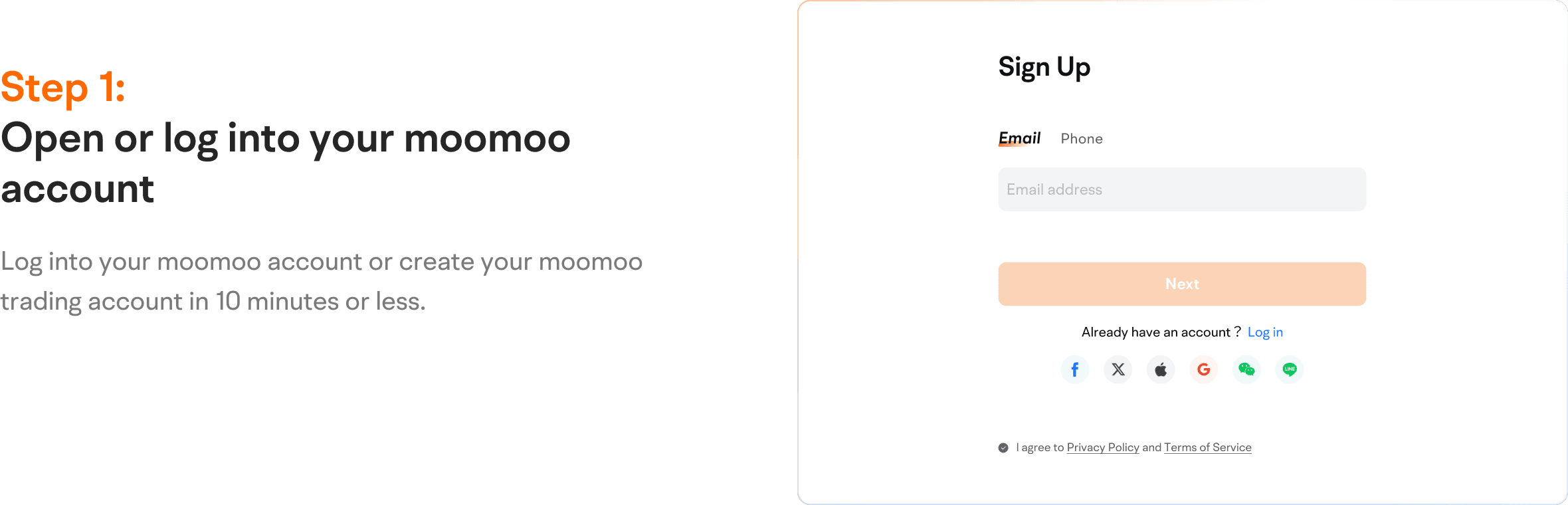
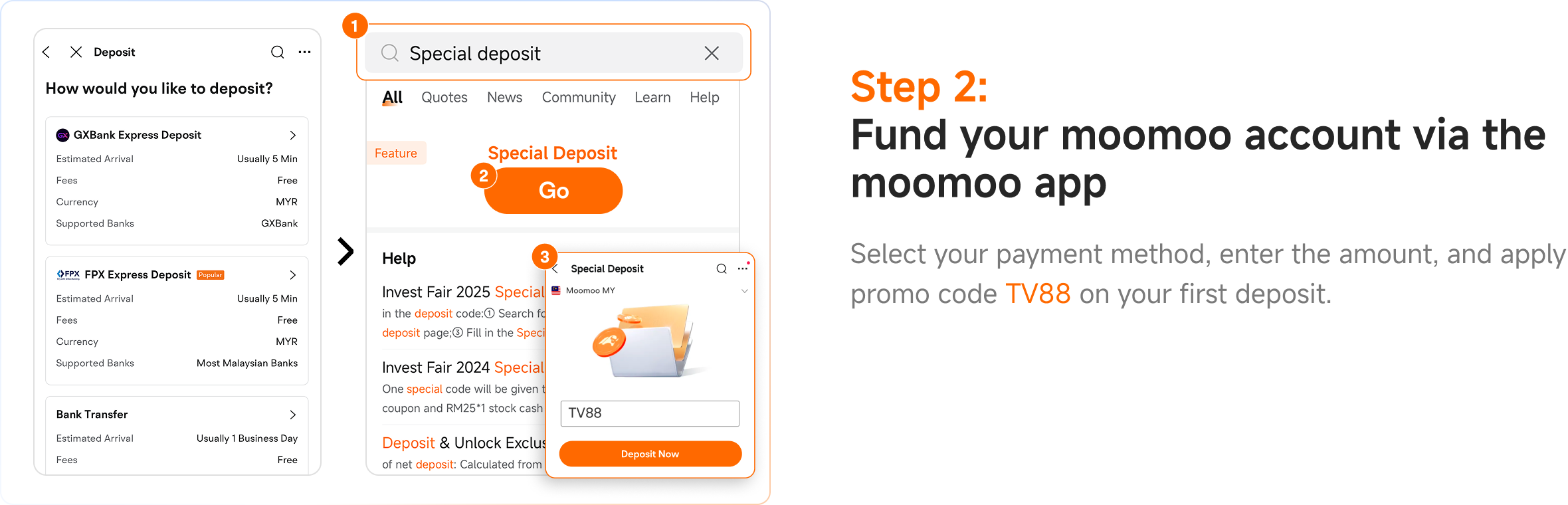
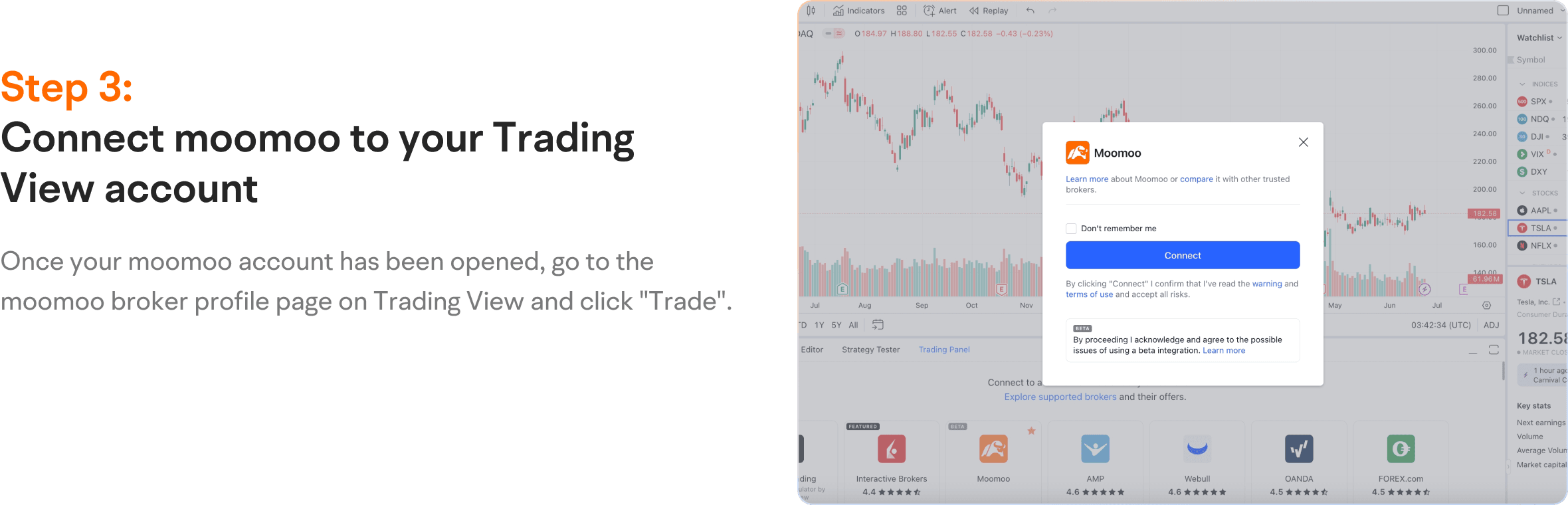
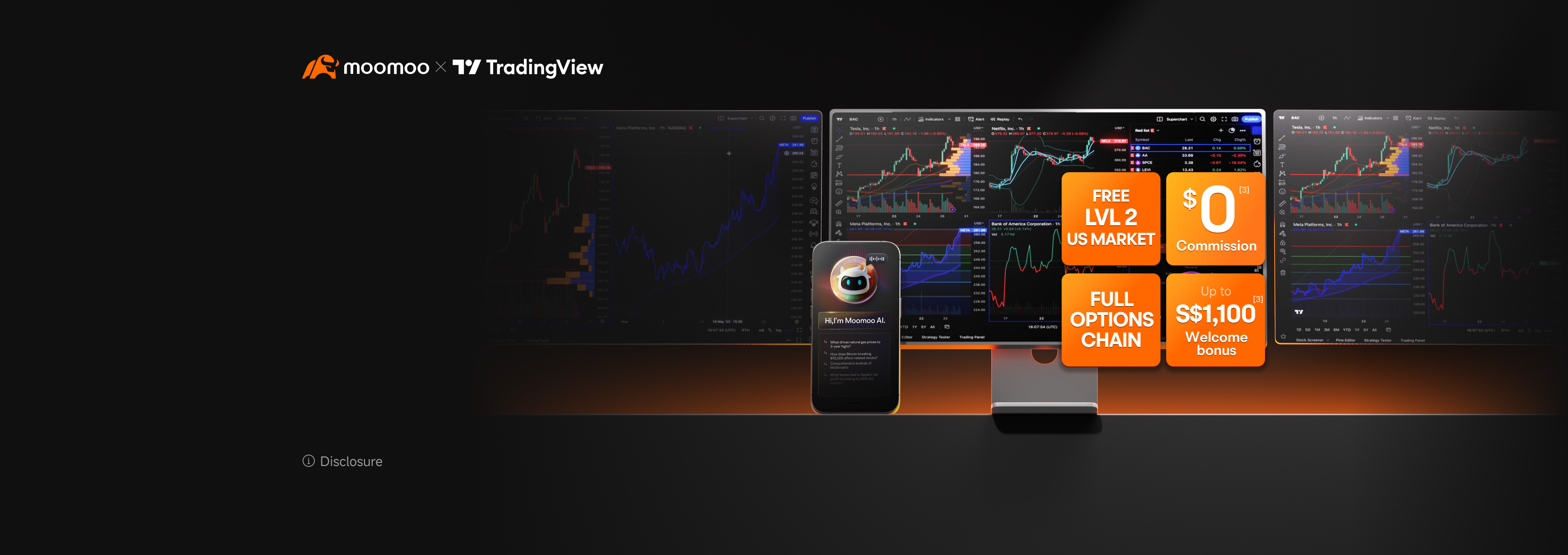
You can now begin trading with your moomoo account onthe Trading View platform!

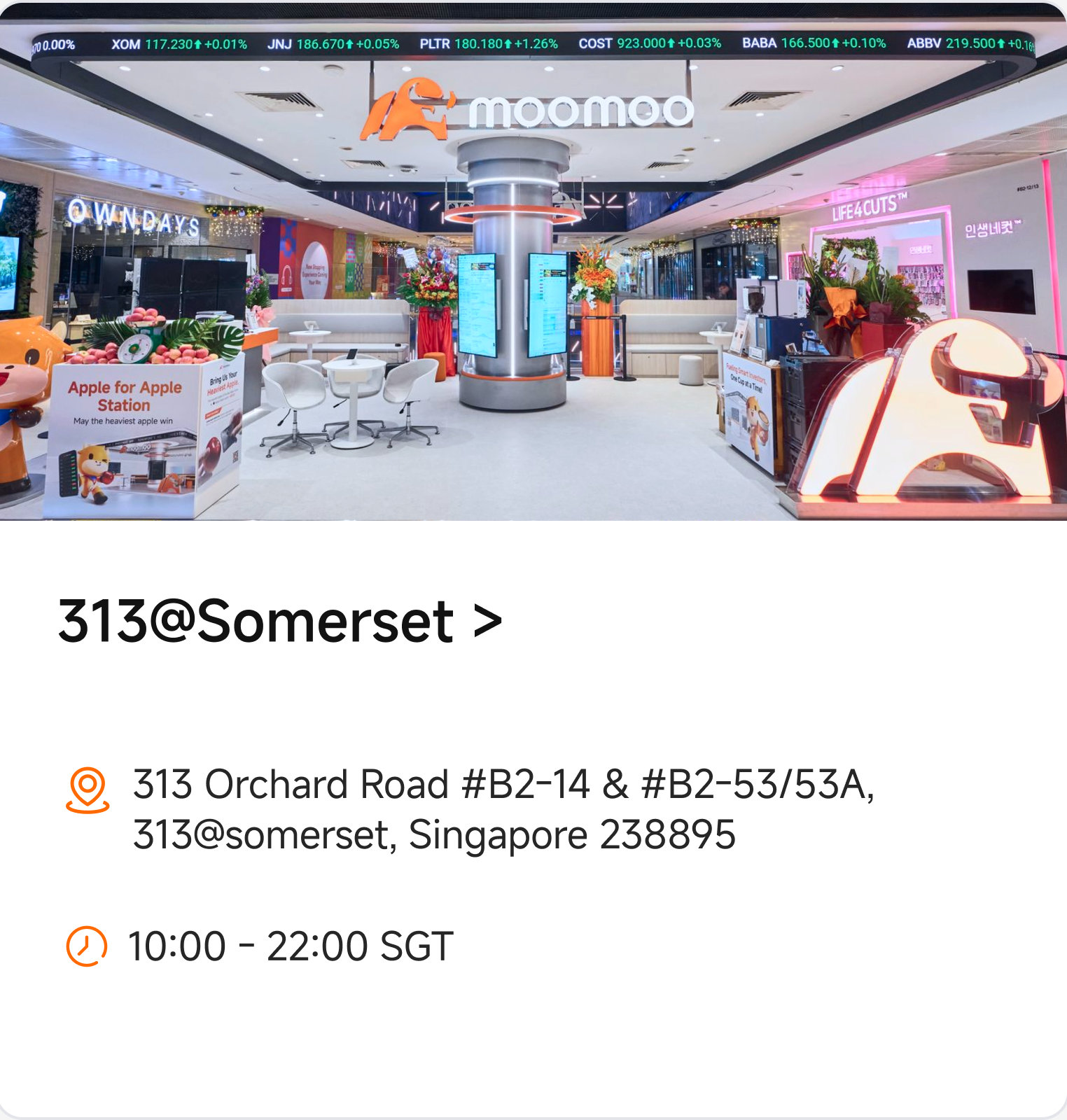
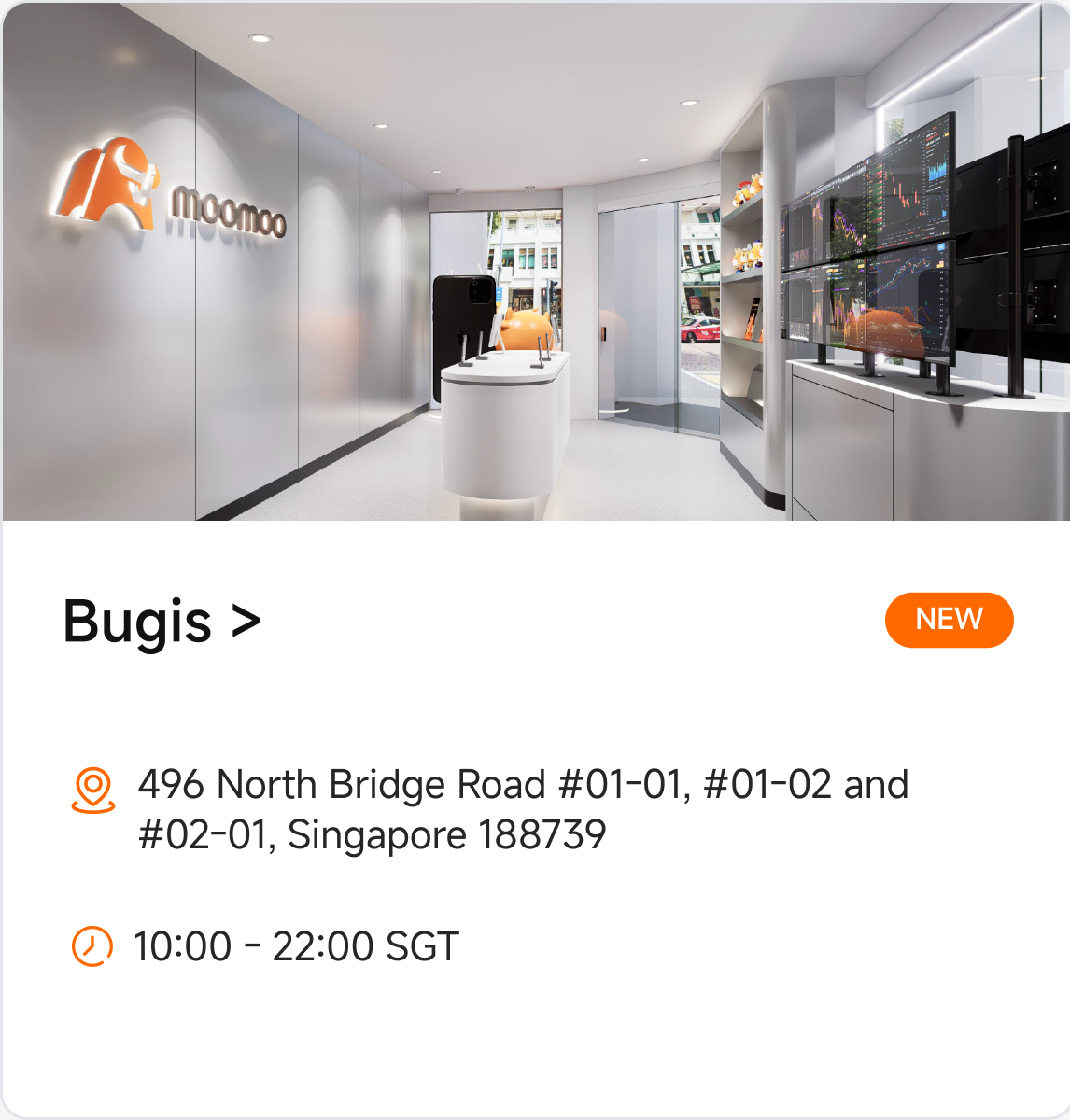
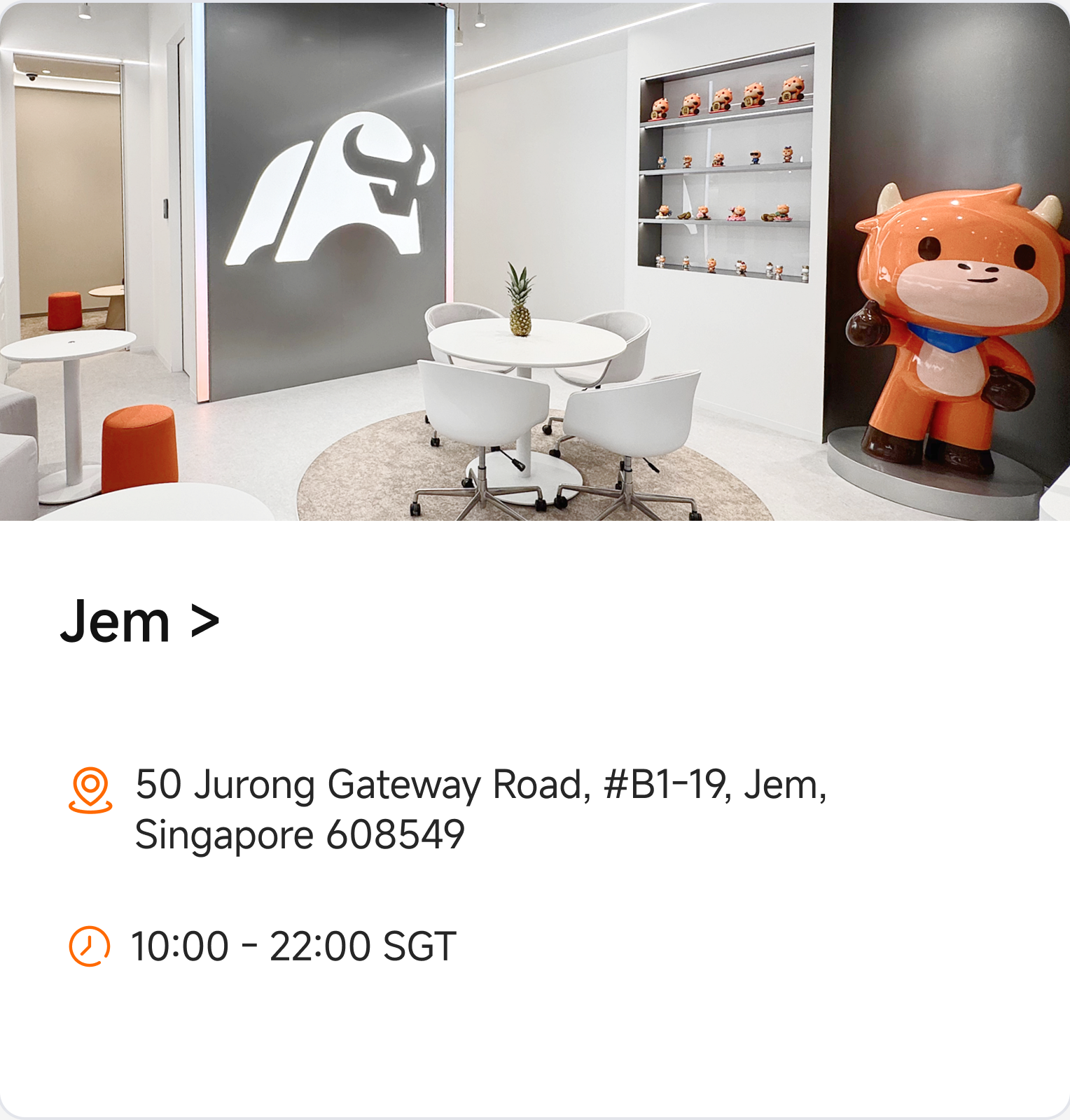
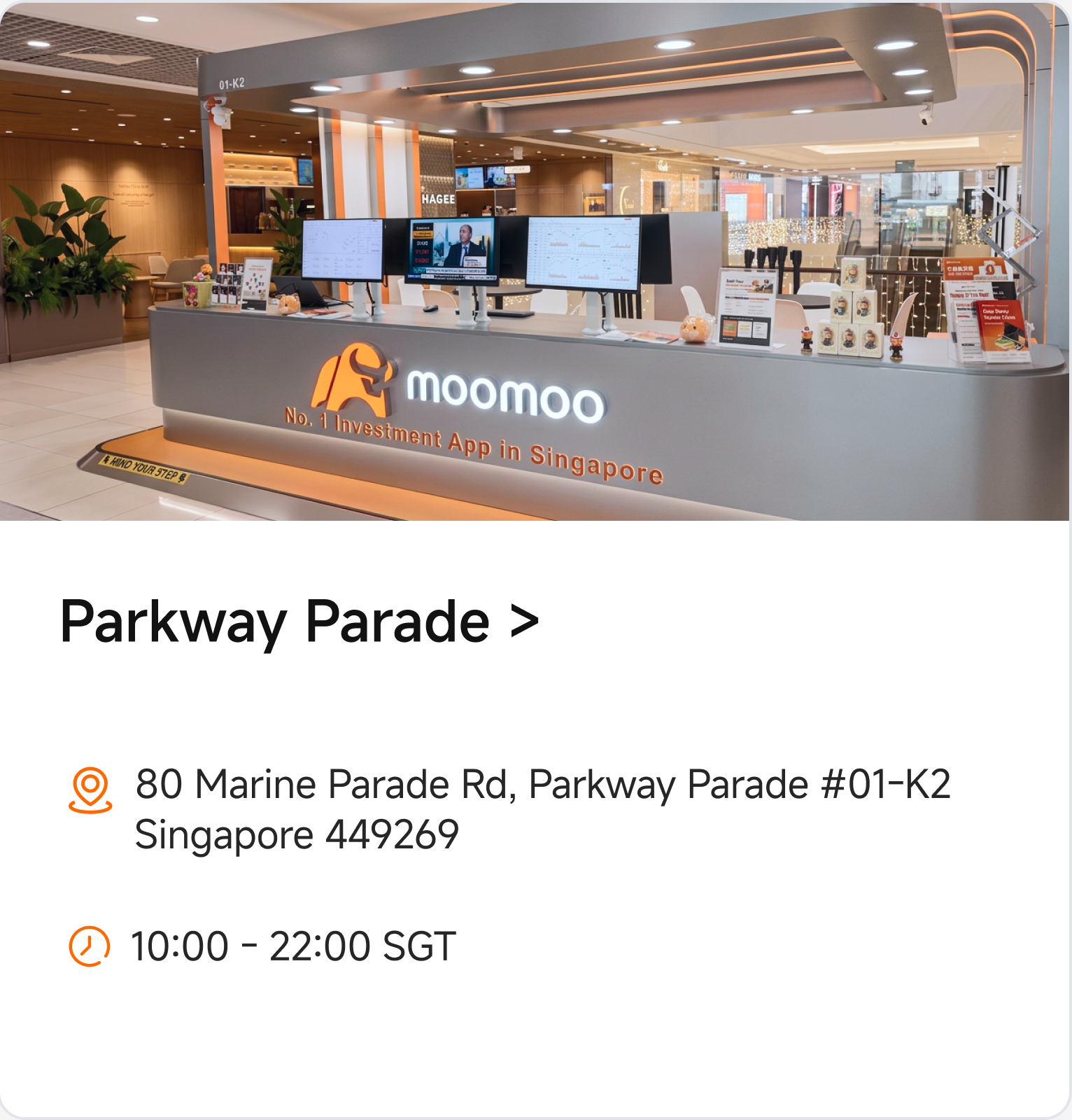
Always within Reach – Moomoo Stores in Singapore
In-person or online, we're here to support you at every step.

Highly Rated.
Loved by Traders.
Go to tradingview.com, click the member icon in the top right-hand corner, and then click the “Sign In” button, and choose your preferred verification method. Don’t forget to get acquainted with TradingView's community, news, and market screeners.
TradingView is compatible with all modern browsers and has a Desktop and Mobile app that you can download from here.
After connecting to TradingView, moomoo will still operate all moomoo brokerage account transactions — including deposits and withdrawals. See how to make a deposit or withdrawal on moomoo.
Moomoo offers real-time access to many major stock exchanges, international indexes. Users can trade US stocks, ETFs, options, index options, and international stocks. Options trading subject to eligibility requirements. Strategies available will depend on options level approved.
TradingView offers real-time, tick-by-tick data* and gathers top-quality information from respected data partners.
You can use TradingView's Paper Trading feature designed to execute simulated trades without risking real money. To practice trading using Paper Trading, open a chart, then open the Trading Panel and select Paper Trading. Please note that this type of trading does not reflect the nature of speed and order execution on an integrated account. Moomoo also has a paper trading tool you can use to grow your investment knowledge and test strategies.
There are several ways to do this — you can always check the TradingView Help Center for information, ask for feedback through support tickets. TradingView also provides a wide array of content on their YouTube channel — check it out here. Any brokerage related questions such as trades, deposits, withdrawals, etc. should be directed at Moomoo for assistance.
Integration is free for moomoo and TradingView clients; only standard brokerage fees may apply. You can also purchase one of TradingView’s Premium plans for advanced traders. For information on moomoo's fee schedule, visit moomoo.com/sg/pricing.
Terms and conditions apply
Other fees and GST may still apply. For more information, please refer to fee schedule
Disclaimer:
Options trading involves significant risk and is not suitable for all investors. Investments in capital market products involve risk. Full disclaimers at www.moomoo.com/sg/support/topic5_510. This advertisement has not been reviewed by the Monetary Authority of Singapore.
© 2026 Moomoo
